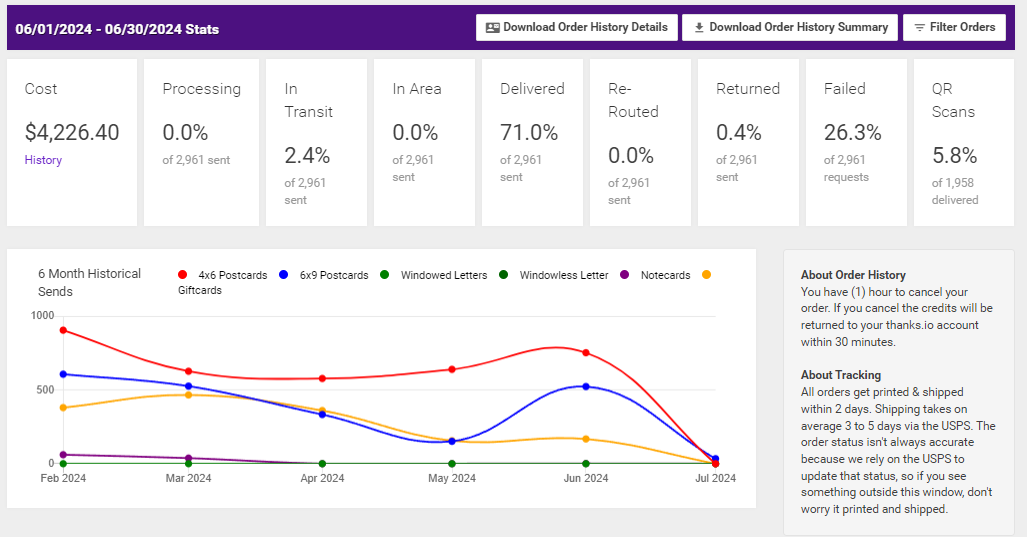
Thanks.io’s QR codes are customizable and trackable, allowing each recipient to receive a unique code that directs them to a specific landing page. This personalization enhances user engagement and provides valuable insights into customer behavior.
🛠️ How to Add QR Codes
There are several methods to incorporate QR codes into your mailings:
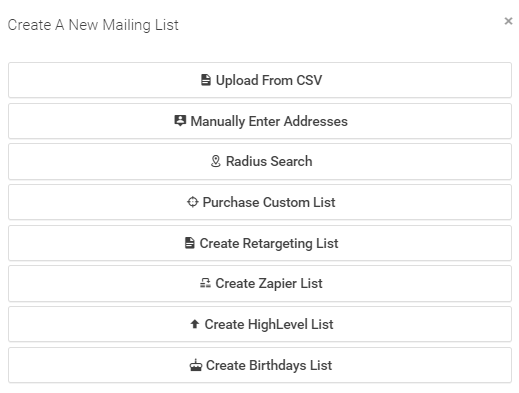
- Attach to Mailing List: Assigns the same QR code URL to all recipients in a mailing list.
- Attach to Message Template: Embeds a consistent QR code across all messages using a particular template.
- Set via the Card Builder: Customizes the QR code for a specific order.
- Set Using Zapier/API: Generates unique QR codes dynamically for each recipient, ideal for personalized campaigns.
- Set Using Dynamic Image Template: Ensures the QR code matches on both sides of the card by pulling the URL from the message template.
QR Code Priority: Zapier/API > Mailing List > Card Builder/Message Template
View Setup Guide
📈 Tracking and Automation
When a recipient scans a QR code, Thanks.io can:
- Send real-time email and text notifications to your team
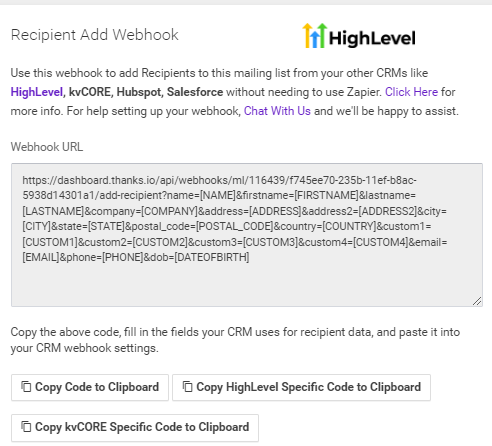
- Trigger automated actions through platforms like Zapier, Make, or webhooks
- Initiate follow-up emails, text messages, or WhatsApp notifications
- Add contacts to CRM campaigns for lead nurturing
Examples:
🔗 API Integration
Developers can automate mailing with embedded QR codes via the Thanks.io API by specifying the qr_url parameter. Each recipient gets a personalized, trackable code.
🎯 Ideal Use Cases
Thanks.io QR codes are perfect for:
- Real Estate: Link to listings or home valuation pages
- E-commerce: Deliver discounts or product details
- Services: Book consultations or appointments
- Events: Share event info or registration pages
By adding QR codes to direct mail, Thanks.io helps businesses create a seamless bridge from physical to digital, boosting engagement and tracking. Explore more at Thanks.io.
More About Thanks.io QR Codes